NoteDown
Welcome to NoteDown! Are you ready to start?

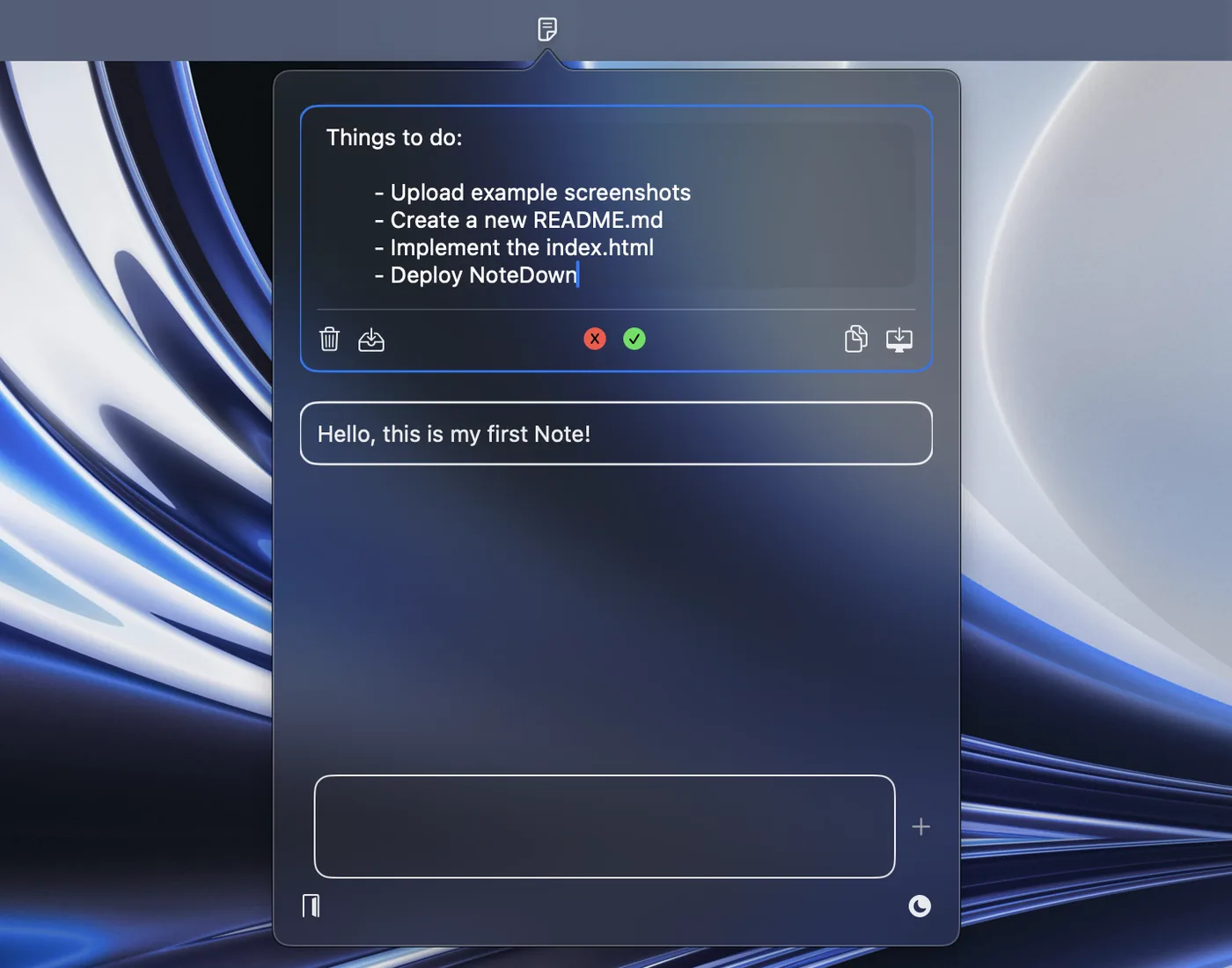
🚀 Easily access your notes from the menu bar.
✅ Save notes directly to your computer.
🖍️ Edit your notes seamlessly.
👯♂️ Copy your notes directly to your clipboard.
🌗 Switch between dark and lightmode.
installation guide
1. In the Finder on your Mac, locate the app you want to open
2. Control- / right click the app icon, then choose open from the shortcut menu
3. Click Open
4. Now you can open it in the future by double-clicking it